Shopify POS vs Lightspeed POS: An Honest 2024 Comparison
⚠️ Pricing Disclaimer: All pricing information is current as of December 2024 and subject to change. Always verify current pricing on official vendor websites before making purchasing decisions. This article contains affiliate links.
When it comes to running a modern retail business, choosing the right Point of Sale (POS) system can make or break your success. With countless options flooding the market, business owners often find themselves torn between popular solutions like Shopify POS, Lightspeed, Square, and Clover. In this comprehensive guide, we'll dive deep into an objective comparison of these platforms to help you make an informed decision.

Understanding the POS Landscape
Before we dive into the comparison, it's essential to understand what makes a POS system truly exceptional. A modern POS system should seamlessly integrate online and offline sales, provide robust inventory management, offer detailed analytics, and scale with your business growth. Let's examine how each platform performs in these critical areas.
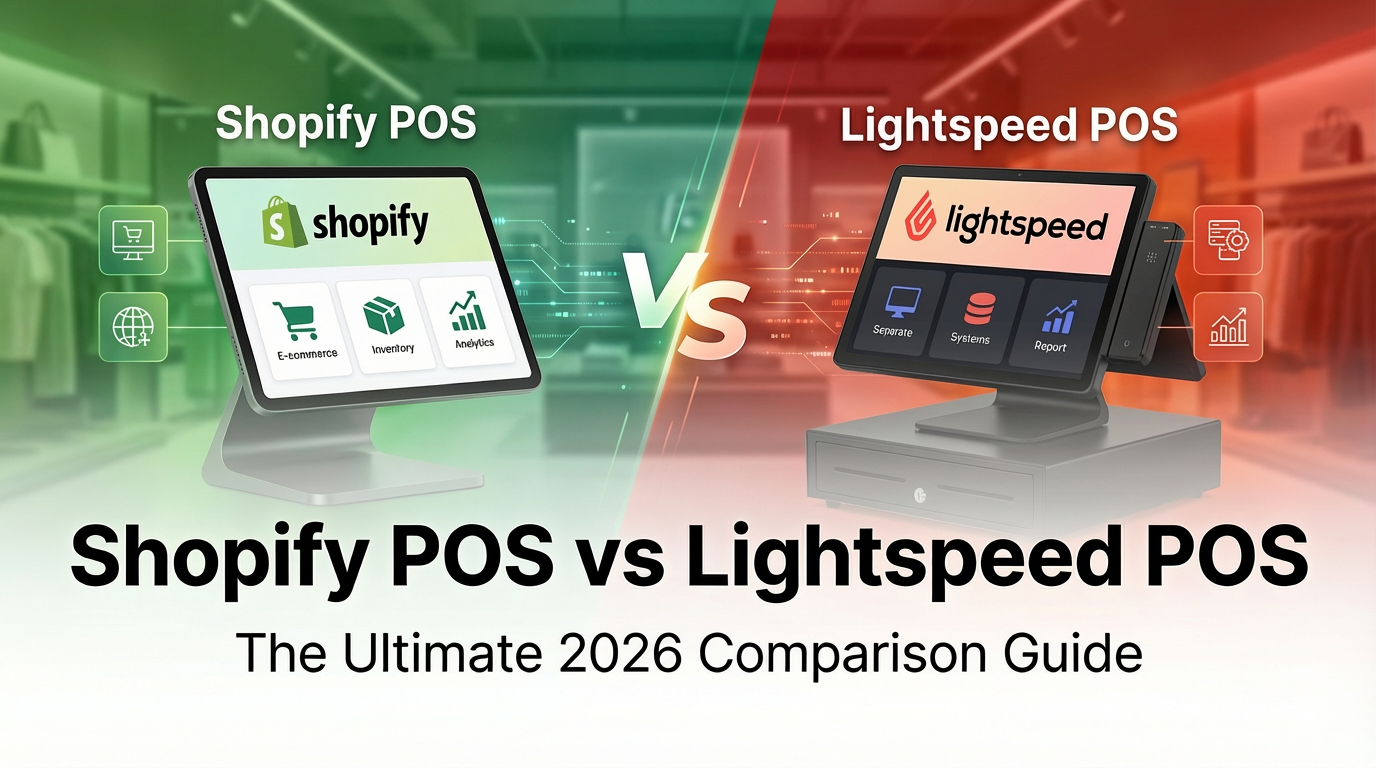
Shopify POS vs. Lightspeed POS: Detailed Comparison
1. Unified Commerce Experience
Shopify POS: What sets Shopify apart is its native integration between your online store and physical retail locations. When you use Shopify POS, you're working within a single, unified platform. Every sale, whether made online, in-store, or through social media, flows into one centralized system with real-time synchronization.
Lightspeed POS: Lightspeed offers e-commerce capabilities, though historically these required separate integration setup. Recent improvements have enhanced the connection between retail and e-commerce, though some users report the experience isn't as seamless as all-in-one platforms.
2. Pricing Transparency and True Costs
Shopify POS Pricing (December 2024):
- Starter Plan: $5/month - Basic selling through social media and messaging apps
- Basic Plan: $39/month - Full online store + basic POS features
- Online: 2.9% + 30¢ per transaction
- In-person: 2.6% + 10¢ per transaction
- Shopify Plan: $105/month - Advanced features
- Online: 2.7% + 0¢ per transaction
- In-person: 2.5% + 0¢ per transaction
- Advanced Plan: $399/month - Enterprise features
- Online: 2.4% + 0¢ per transaction
- In-person: 2.4% + 0¢ per transaction
- POS Pro: Additional $89/month per location for advanced retail features
Important Note: The widely advertised 2.4% + $0 rate requires the $399/month Advanced plan. Most small to medium businesses will pay 2.9% + 30¢ online on the Basic plan.

Lightspeed POS Pricing:
- Basic: $109/month (monthly billing) or $89/month (annual billing)
- Core: $179/month (monthly billing) or $149/month (annual billing)
- Plus: $339/month (monthly billing) or $289/month (annual billing)
Key Consideration: Lightspeed's advertised pricing often shows annual billing rates. Always confirm whether you're comparing monthly or annual rates. Some advanced features like loyalty programs and detailed analytics may require additional add-ons.
3. Inventory Management Capabilities
Shopify POS: Offers robust inventory management with real-time tracking across all sales channels. Features include automatic low-stock alerts, inventory transfers between locations, and variant tracking for products with multiple options. The system automatically adjusts inventory counts across all channels the moment a sale is made.
Lightspeed POS: Known for particularly strong inventory management, especially for complex retail operations. Offers advanced features like purchase order management, supplier tracking, and detailed inventory reporting. The learning curve is steeper, but many retailers appreciate the depth of control.
4. App Ecosystem and Integrations
Shopify POS: As of December 2024, the Shopify App Store contains over 12,000 apps, covering virtually every business need imaginable. Popular integrations include Klaviyo for email marketing, various accounting software, inventory management tools, and loyalty programs. This massive ecosystem means you can customize your POS system extensively.
Lightspeed POS: Offers a smaller but curated marketplace of integrations. While the selection isn't as vast as Shopify's, Lightspeed focuses on quality integrations with popular business tools. For specialized retail needs, the available integrations may be sufficient.
Shopify POS vs. Other Major Competitors
Square POS
Square deserves special attention as a strong competitor, particularly for small businesses and those just starting out.
Pricing Advantage: Square's basic POS system is completely free, while Shopify charges at least $5/month. For transaction fees:
- Square: 2.6% + 10¢ for in-person transactions (no monthly fee for basic)
- Shopify Basic: 2.9% + 30¢ online, 2.6% + 10¢ in-person (plus $39/month)
Cost Example: For a business processing $50,000/month primarily online:
- Square online: 2.9% + 30¢ = ~$1,600/month in fees
- Shopify Basic: 2.9% + 30¢ = ~$1,600/month in fees + $39/month subscription
Where Square Falls Short: While Square offers competitive pricing, it lacks the sophisticated e-commerce capabilities that Shopify provides. Building a robust online presence is more limited with Square compared to Shopify's full-featured online store builder.
Best For: Square excels for businesses that are primarily brick-and-mortar with simple online needs, while Shopify is better for businesses that need powerful e-commerce alongside retail.
Clover POS
Clover, owned by Fiserv, offers a hardware-centric approach with proprietary devices. While the hardware is well-designed, businesses become locked into Clover's ecosystem. Shopify POS works with a wider range of hardware options, providing more flexibility. Clover's app marketplace charges monthly fees for many essential features, which can increase costs significantly.
Toast POS
Toast is specifically designed for restaurants and food service businesses. While it excels in this specialized niche with features like menu management and kitchen display systems, it's not suitable for retail or multi-channel businesses. Shopify and Lightspeed serve broader retail industries.
Key Advantages of Each Platform
Shopify POS Strengths
- Unified Platform: True omnichannel commerce without complex integrations
- E-commerce Excellence: World-class online store capabilities built-in
- App Ecosystem: 12,000+ apps for customization
- Scalability: Grows from startup to enterprise
- Marketing Tools: Integrated email, social media, and promotional features
- Multi-channel Selling: Sell on Instagram, Facebook, Amazon, and more from one dashboard
Lightspeed POS Strengths
- Advanced Inventory: Particularly strong for complex inventory needs
- Retail-Specific Features: Built by retailers, for retailers
- Reporting Depth: Extensive analytics and reporting capabilities
- Customer Support: Known for responsive, knowledgeable support team
Square POS Strengths
- Free to Start: No monthly fees for basic POS
- Simple Setup: Extremely easy to get started
- Hardware Options: Affordable, reliable hardware
- Fair Pricing: Competitive transaction rates without monthly commitments
Real-World Use Cases
Best Choice for E-commerce + Retail
Shopify POS - A clothing boutique wanting to sell both online and in-store will benefit from Shopify's unified inventory, seamless online store builder, Instagram Shopping integration, and the ability to offer buy-online-pickup-in-store.
Best Choice for Complex Inventory
Lightspeed POS - A specialty retailer with thousands of SKUs, multiple suppliers, and complex purchasing needs will appreciate Lightspeed's advanced inventory management and purchase order system.
Best Choice for Simple In-Person Sales
Square POS - A food truck, market vendor, or service business that primarily takes in-person payments will benefit from Square's free basic POS and simple setup, without paying monthly fees.
Making Your Decision: Key Questions
Before choosing a POS system, ask yourself:
- What's your primary sales channel? If e-commerce is critical, Shopify leads. If you're primarily retail, consider Lightspeed or Square.
- What's your monthly sales volume? Higher volume may justify Shopify's higher-tier plans for better transaction rates.
- How complex is your inventory? Thousands of SKUs and variants? Lightspeed might be worth the investment.
- What's your technical comfort level? Square is easiest to start, Shopify is moderately easy, Lightspeed has a steeper learning curve.
- What's your budget? Consider both monthly fees AND transaction costs when calculating total cost of ownership.
Cost-Benefit Analysis: Real Numbers
Let's examine actual costs for a business with two retail locations processing $100,000/month in sales (split 50% online, 50% in-store):
Shopify (Basic + POS Pro for 2 locations)
- Subscription: $39 + $178 (2 POS Pro) = $217/month
- Online transactions: $50,000 × 2.9% + ($0.30 × ~167 orders) = $1,500
- In-store transactions: $50,000 × 2.6% + ($0.10 × ~200 orders) = $1,320
- Total: $3,037/month
Lightspeed (Basic for 2 locations)
- Subscription: $218/month (2 locations at $109 monthly billing)
- Payment processing: Varies by processor (typically 2.6% + 10¢ for integrated)
- Estimated total: $2,600-2,800 in processing + $218 = ~$2,900/month
Square (Plus plan for better rates)
- Subscription: $0 for basic (or $60/month for Plus for better rates)
- Processing: Mix of 2.6% + 10¢ and 2.9% + 30¢ depending on method
- Total: $2,700-2,900/month
The Verdict on Costs: All three platforms end up within $200-300/month of each other for this volume. The decision should focus on features and fit rather than cost alone.
The Balanced Verdict
Rather than declaring a single "winner," here's how each platform excels:
🏆 Choose Shopify POS if:
- E-commerce is a significant part of your business
- You want seamless online and offline integration
- You need extensive app integrations and customization
- You plan to sell across multiple channels (social media, marketplaces)
- You want a platform that scales from small to enterprise
🏆 Choose Lightspeed POS if:
- You have complex inventory management needs
- You're an established retailer with multiple locations
- Advanced reporting and analytics are critical
- You prefer a system built specifically for retail operations
- You value deep customer support for your POS system
🏆 Choose Square POS if:
- You're just starting out with limited budget
- Your primary business is in-person sales
- You want the simplest possible setup
- You prefer pay-as-you-go without monthly commitments
- Your online needs are basic or minimal
Getting Started: Next Steps
Whichever platform you're considering, take advantage of free trials and demos:
- Shopify: Offers extended free trial periods. Test the platform with your actual products and workflows.
- Lightspeed: Request a personalized demo to see the platform in action with your specific business needs.
- Square: Simply sign up and start using it—the basic version is free with no time limit.
💡 Pro Tip: Test Before Committing
Spend at least 2-3 weeks testing your chosen platform with real products, actual transactions (even if just test ones), and your full workflow. Pay attention to daily usability, not just feature lists. The best POS is the one your team will actually enjoy using every day.
Conclusion
The POS system landscape offers strong options for different business needs. Shopify POS excels for businesses prioritizing e-commerce integration and omnichannel selling. Lightspeed POS is ideal for retailers with complex inventory needs and established operations. Square POS provides the most accessible entry point for simple retail operations.
Your choice should be based on your specific business model, sales channels, growth plans, and technical requirements. All three platforms are legitimate, well-supported options—there's no universally "best" choice, only the best choice for YOUR business.
Most Important: Verify all pricing and features directly on official vendor websites before making your final decision, as pricing and features change regularly.
📋 Quick Reference Links
Disclosure: This post contains affiliate links. If you make a purchase through these links, we may earn a commission at no additional cost to you. All opinions and comparisons are based on publicly available information and aim to provide balanced guidance. Pricing information is accurate as of December 2024 but subject to change. Always verify current pricing and features on official vendor websites before making purchasing decisions.
About the Author
Founder of LocalBuzzAI, passionate about helping small businesses leverage AI and automation for growth.